

Best CapCut Editing Tips to Create Viral TikTok and Reels Videos
January 15, 2026 (5 months ago)
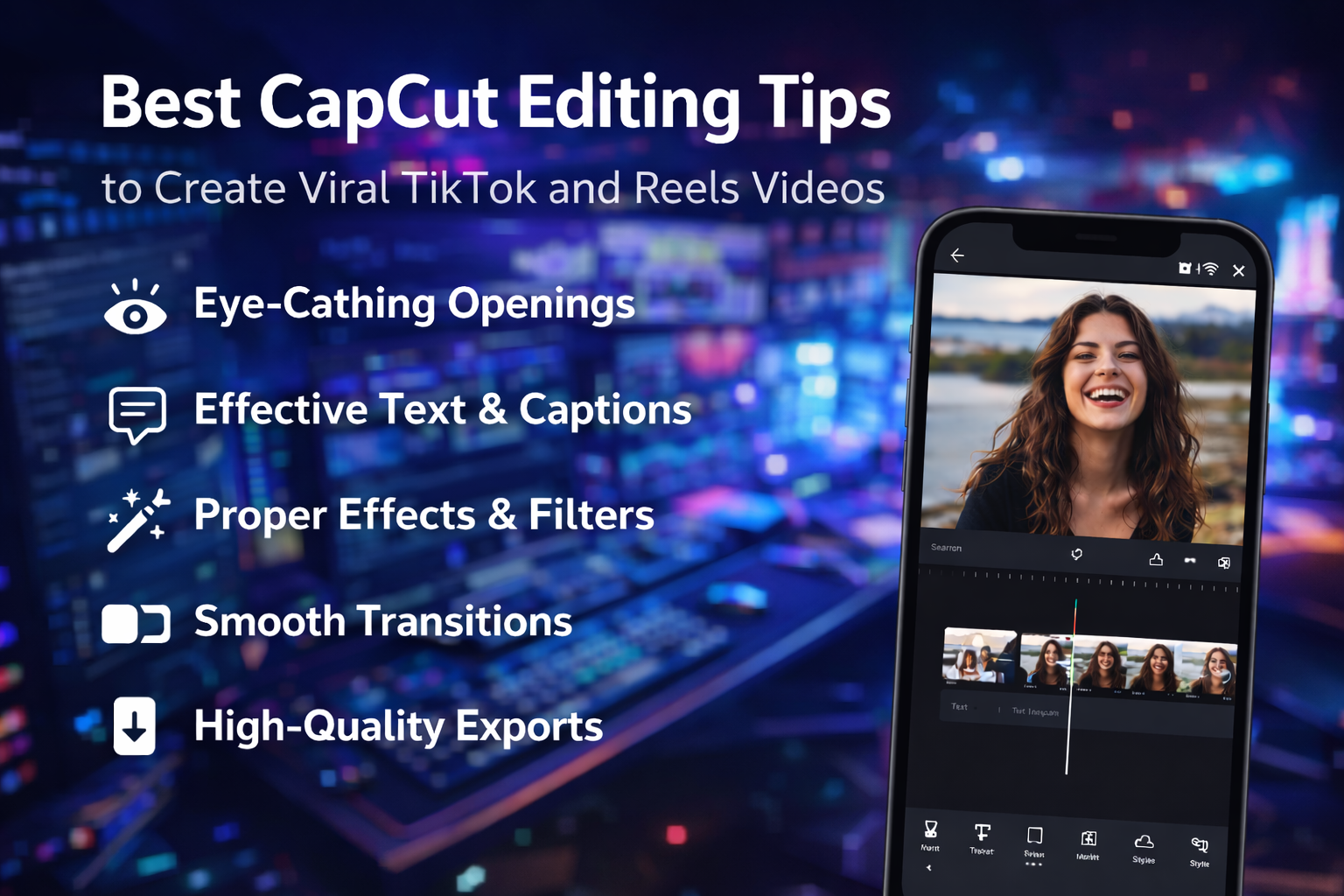
Short-form video content has taken over social media, and platforms like TikTok and Instagram Reels are now the fastest ways to grow an audience. However, simply recording a video is not enough. To stand out, your videos must be visually appealing, fast-paced, and well-edited.
This is where CapCut becomes one of the most powerful tools for creators. With the right editing techniques, you can significantly increase watch time, engagement, and shares — all key factors for going viral.
How CapCut Helps Creators Make Viral Content Easily
CapCut gives creators powerful editing tools that simplify the process of making engaging short-form videos. Its built-in templates, trending effects, auto captions, and smart music syncing help videos look professional without advanced editing skills.
The simple timeline layout allows fast trimming and smooth transitions, which keeps viewers interested. CapCut also supports high-quality exports and vertical formats designed for TikTok and Instagram Reels.
How to Use CapCut Templates Smartly
CapCut templates help you create trendy videos quickly while maintaining visual quality. Using templates properly can improve engagement and save editing time.
- Open CapCut and browse trending templates that match your content style and target audience.
- Select a template with smooth transitions and balanced timing for better viewer retention.
- Replace sample clips with your own high-quality photos or videos from your gallery.
- Adjust text, filters, or music slightly to match your brand or video theme.
- Preview the full video to ensure timing and transitions feel natural and smooth.
- xport in high resolution and upload immediately to capture current trends.
Capcut Best Video Editing Tips
Short-form videos perform best when edits are fast, clean, and visually appealing.
▶ Creating Eye-Catching Openings
Start with motion or text that grabs attention instantly and introduces your main idea within the first three seconds clearly.
▶ Using Text and Captions Effectively
Add short captions that highlight key moments and keep viewers engaged, especially those watching without sound.
▶ Applying Effects and Filters Correctly
Use light filters to improve color and mood without hiding natural details or making clips look artificial.
▶ Making Smooth Transitions
Match clip movement or background color to create natural transitions instead of distracting effects.
▶ Improving Video Quality
Adjust brightness and contrast slightly to keep faces clear and details sharp on mobile screens.
▶ Audio Tips for Viral Videos
Balance voice and music levels so dialogue remains clear while background music adds energy.
Export Settings for Best Performance
Choosing the right export settings is important for maintaining video quality after uploading to social platforms. Always select a resolution of at least 1080p and use 60 frames per second for smoother motion.
Vertical aspect ratio is recommended for TikTok and Reels to fit full-screen viewing. Avoid compressing videos before upload, as platforms already optimize files. High bitrate exports help preserve details and prevent pixelation. Preview the final file before posting to ensure sound, color, and sharpness remain consistent.
Advanced Tips for Creators
Use these strategies to improve reach and long-term engagement.
- Follow trending audio and adapt it to your own content style for better visibility.
- Create short video series to encourage viewers to return for the next part.
- Keep branding consistent using similar colors, fonts, and editing styles.
- Study analytics to understand which edits keep viewers watching longer.
- Re-edit viral formats with new topics to reuse proven engagement patterns.
- Post consistently to build audience trust and improve algorithm ranking.
Conclusion
CapCut makes it easier for creators to produce viral TikTok and Reels videos by combining simple controls with powerful editing tools. From templates and transitions to auto captions and export optimization, the app supports every stage of content creation.
Smart editing choices, strong openings, clean text, and balanced audio all play an important role in increasing watch time and engagement. When creators use CapCut strategically and follow trending formats while keeping content original, their chances of reaching a wider audience improve significantly